
Hybrid working has recently become an increasingly important reality in the work market. Along with its numerous advantages and possibilities, however, the phenomenon brings with it a number of risks related to the inefficiency of digital tools in bridging the gap between the physical workspace and the home workspace.
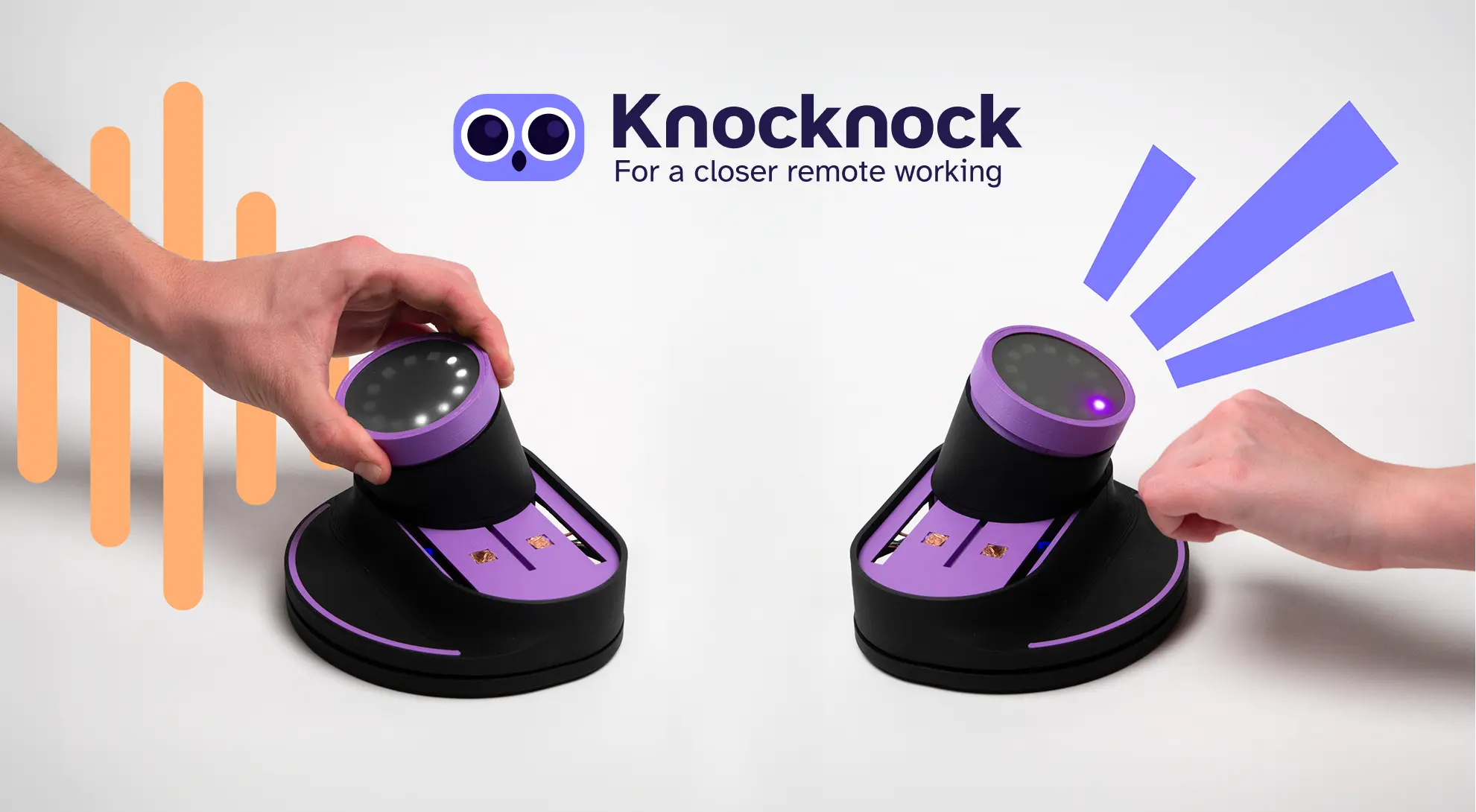
Knocknock aims to improve communication and collaboration between colleagues while working remotely, allowing them to connect in a natural, immediate and pleasant way, bringing the experience closer to that of a physical workspace.
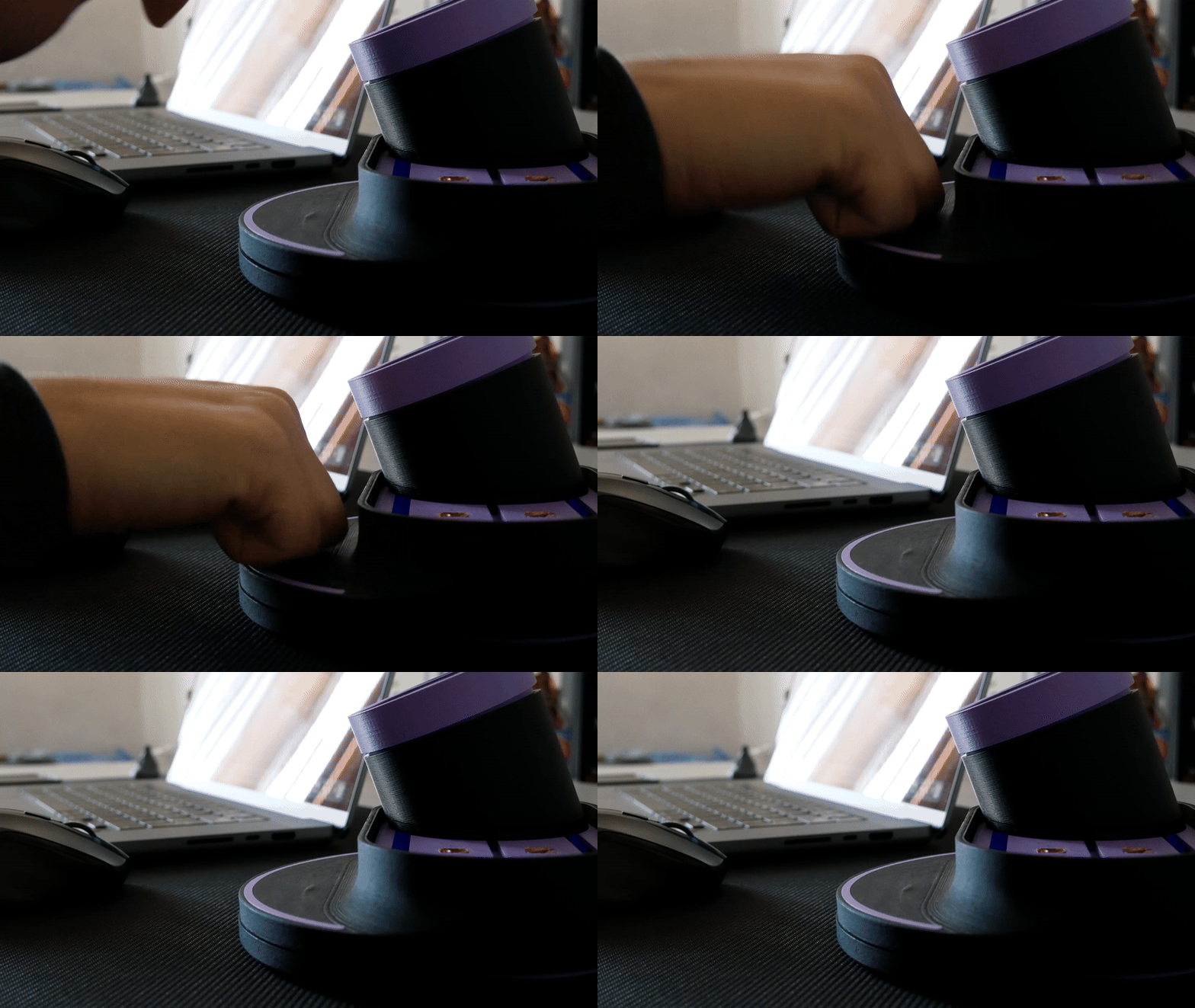
With Knocknock you can call colleagues through channels and contacts, or by sending them quick instant messages. Navigation is via the object knob, on which you can press and turn. To call, on the other hand, you simply knock on the surface provided, the same way you would knock on an office door.
%20(1).gif)
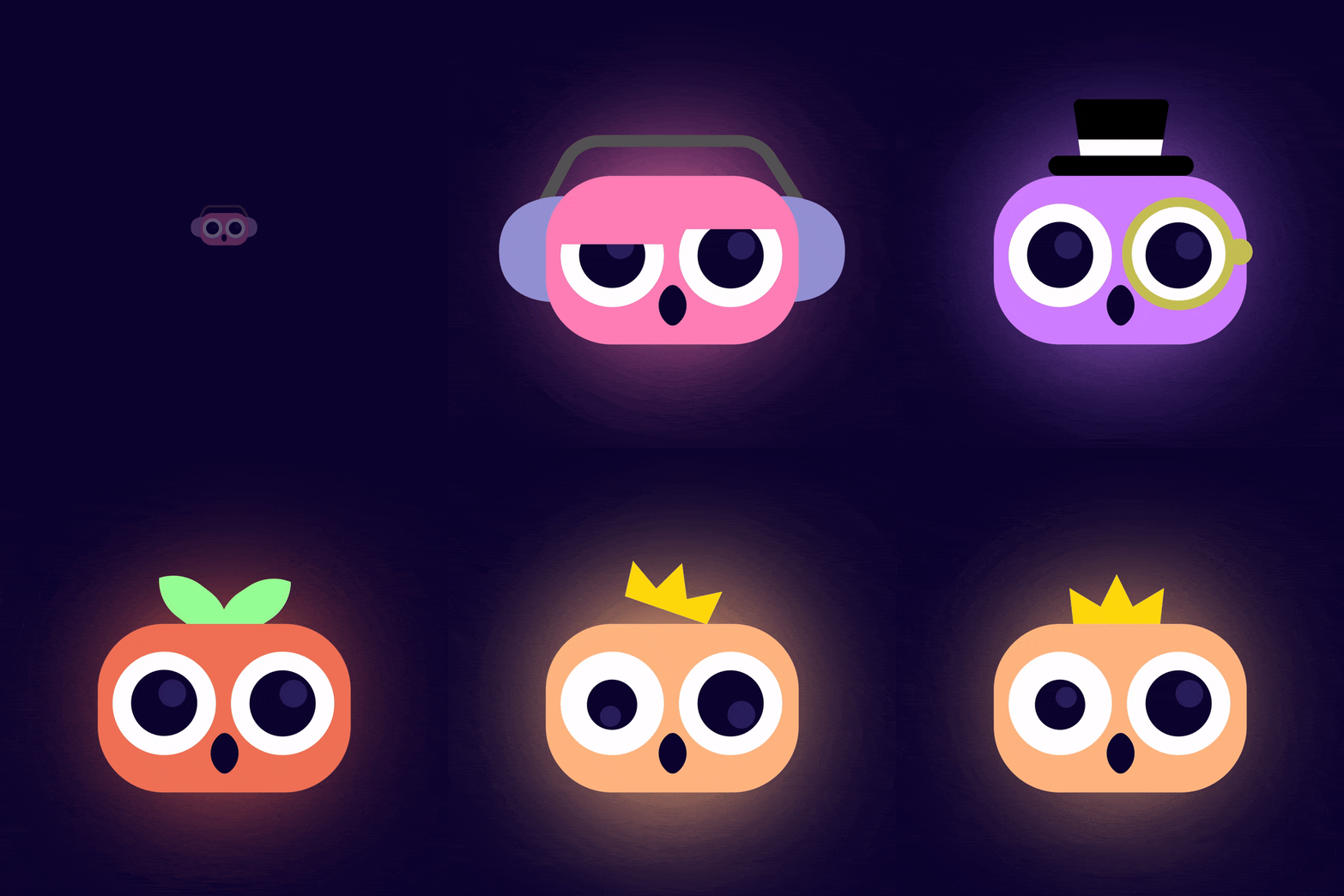
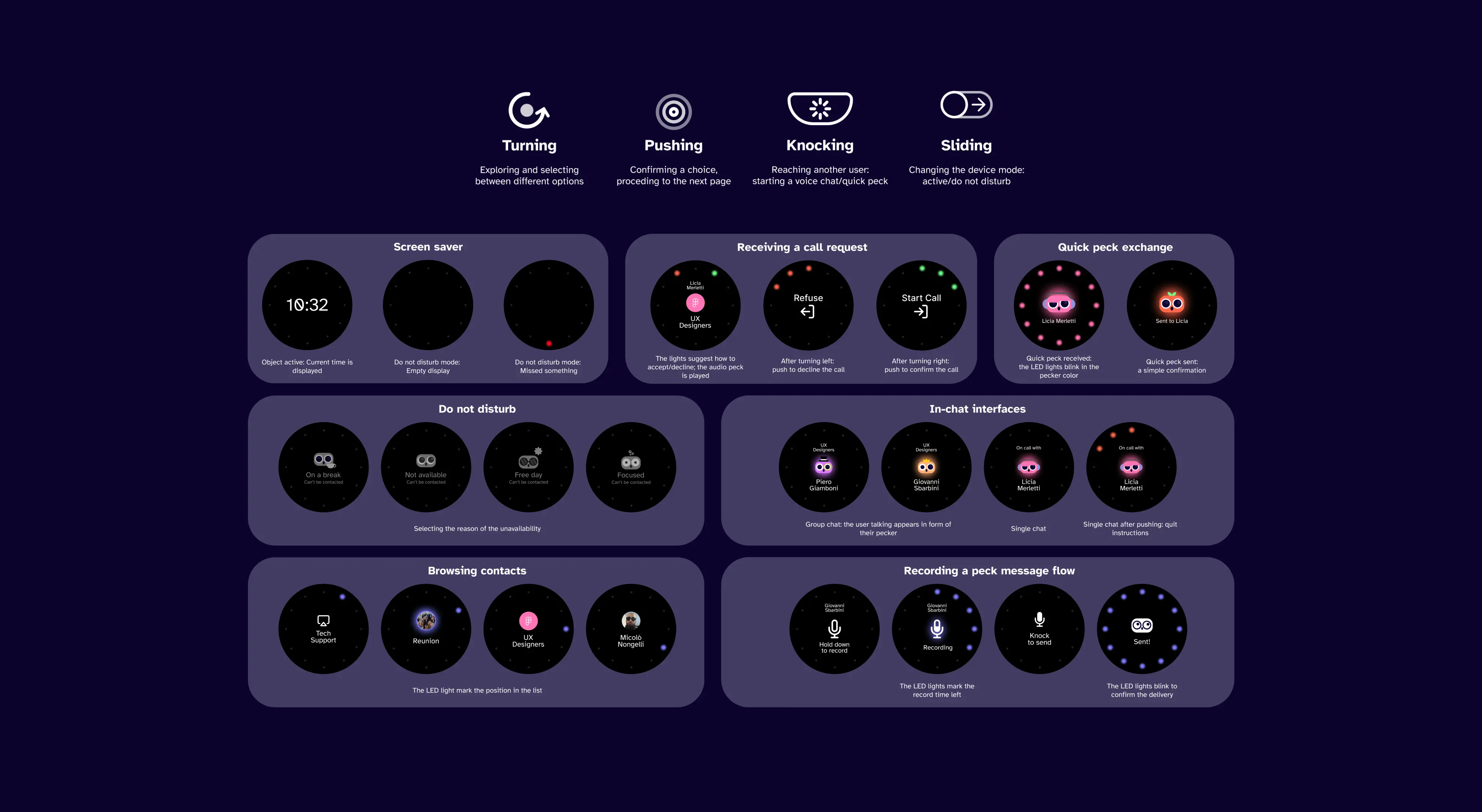
The user interface was designed to show as little information as possible on the screen at a time, with the goal of a non-distracting, minimalist, and immediate interface.
After numerous experiments and tests, the interface takes over a small area (the screen) of about 35 mm and is accompanied by the light feedback of the LED ring.
Hybrid working has recently become an increasingly important reality in the work market. Along with its numerous advantages and possibilities, however, the phenomenon brings with it a number of risks related to the inefficiency of digital tools in bridging the gap between the physical workspace and the home workspace.
Knocknock aims to improve communication and collaboration between colleagues while working remotely, allowing them to connect in a natural, immediate and pleasant way, bringing the experience closer to that of a physical workspace.
With Knocknock you can call colleagues through channels and contacts, or by sending them quick instant messages. Navigation is via the object knob, on which you can press and turn. To call, on the other hand, you simply knock on the surface provided, the same way you would knock on an office door.
The user interface was designed to show as little information as possible on the screen at a time, with the goal of a non-distracting, minimalist, and immediate interface.
After numerous experiments and tests, the interface takes over a small area (the screen) of about 35 mm and is accompanied by the light feedback of the LED ring.

Scroll with mouse or with UP and DOWN arrows.